Product Design · Mobile · 2024
Self-Directed Concept Project
Ọna
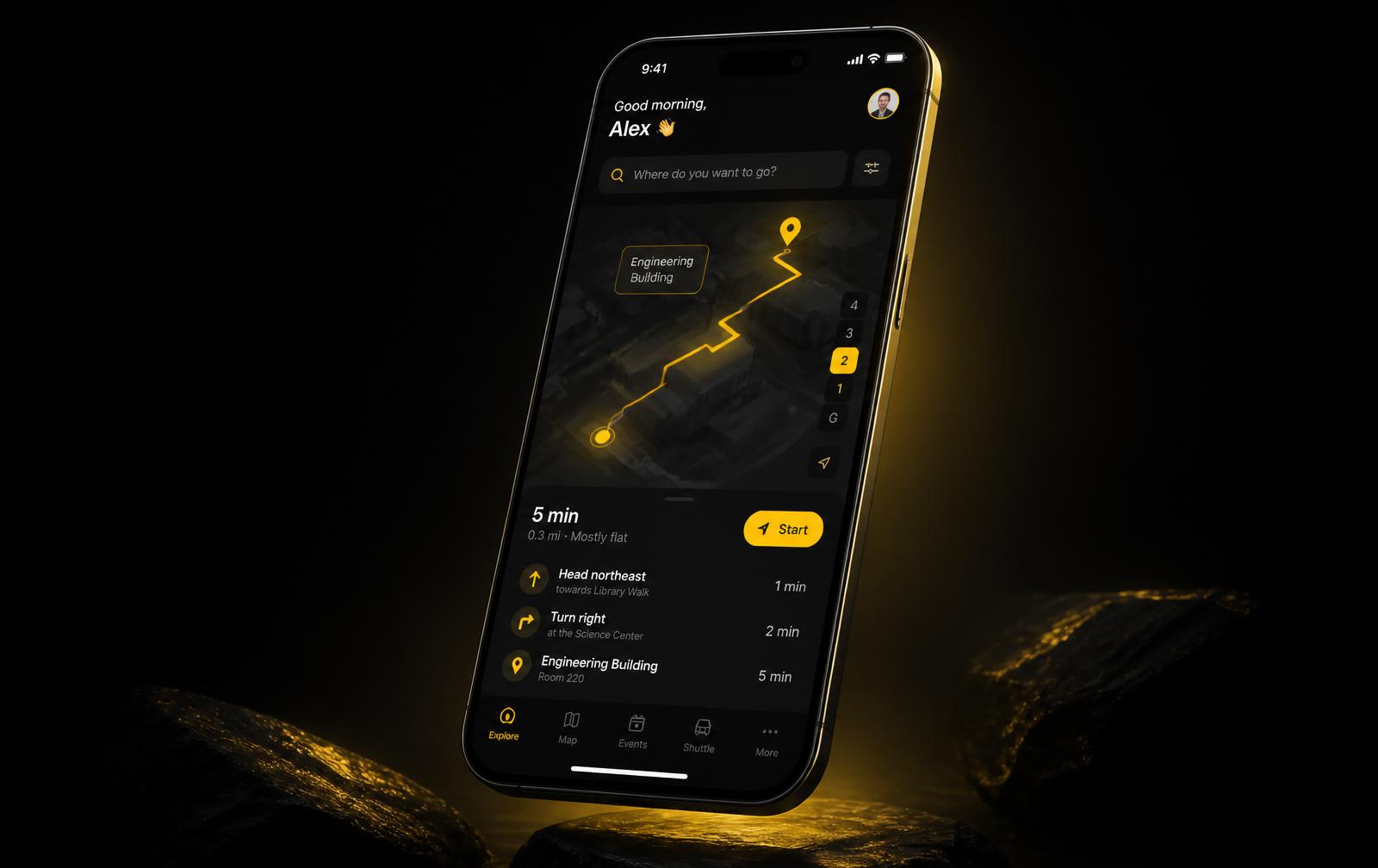
A wayfinding and orientation experience for first-year international students
The problemInternational students were arriving to a campus they had never seen with orientation information scattered across six systems — the problem was not missing content, it was missing sequence.
Timeline
- 14 weeks · Jan – Apr 2024
My role
- Lead Product Designer & Research Lead
Skills used
- User research
- Information architecture
- Interaction design
- Service design
- Usability testing
- Content strategy
Tools used
- Figma
- FigJam
- Maze
- Notion
- Mapbox
- Principle
Outcomes
Designed to
reduce first-year wayfinding time through clearer spatial cues and progressive disclosure
6 → 1
fragmented information sources consolidated into a single sequenced arrival flow
4 phases
a time-based structure replacing department-led navigation
Why
Why the client needed this
Client · University Student Services & International Office
Student Services was measured on first-term retention, and their own exit surveys showed that international students who struggled in week one were significantly more likely to disengage by November. They had already invested in content — PDFs, portal pages, printed maps — and were seeing no lift.
They needed a solution their two-person communications team could maintain without a developer, and evidence strong enough to defend the spend to a budget committee. That shaped both the CMS-backed build and the measurement plan I attached to it.
Role
What I personally did
My responsibilities
- Owned the research plan end to end: recruitment, interviews, contextual walkthroughs, diary study, synthesis
- Defined the information architecture and the four-phase arrival model
- Designed every screen, flow, and interaction state; built the 46-component Figma library
- Ran three moderated usability rounds and all unmoderated Maze tests
- Wrote the in-product copy and the editorial rules for student services
- Led design through build as embedded design lead with a two-developer team
Team · Two developers (React Native), one student services lead, one content editor. I was the only designer and the only researcher on the project.
Decisions I owned
Reorganised by time, not department
I removed the university org chart from the interface and rebuilt the structure as a four-phase timeline. This was mine to argue for and it was contested — it meant no department owned a tab.
Rejected gamification
Leadership asked for badges and points. Testing showed students found it patronising under stress, so I proposed an ambient completion arc instead and brought the session clips to defend it.
Peer voice beside official content
Research showed students trusted peers over institutions. I designed returning-student voice notes into the official product rather than treating credibility as a copy problem.
01
Challenge
A self-initiated project exploring wayfinding design for international students.
Every September, thousands of international students arrive on a campus they have never physically seen, in a city they do not yet know, with a week to locate their classes, their health card, their bank, and their people. Orientation content exists — but it is scattered across PDFs, portal pages, printed maps, and word of mouth.
The real problem is not missing information. It is that information arrives without sequence, without context, and without any sense of what matters first. Students told me the same thing in different words: they did not feel lost on a map, they felt lost in time.
Fragmented sources
Critical arrival tasks were spread across six different university systems with no shared order.
No physical anchor
Digital maps assumed familiarity with building codes that new students had never encountered.
Invisible deadlines
Time-sensitive steps like enrolment and health coverage were buried in email threads.
02
Research
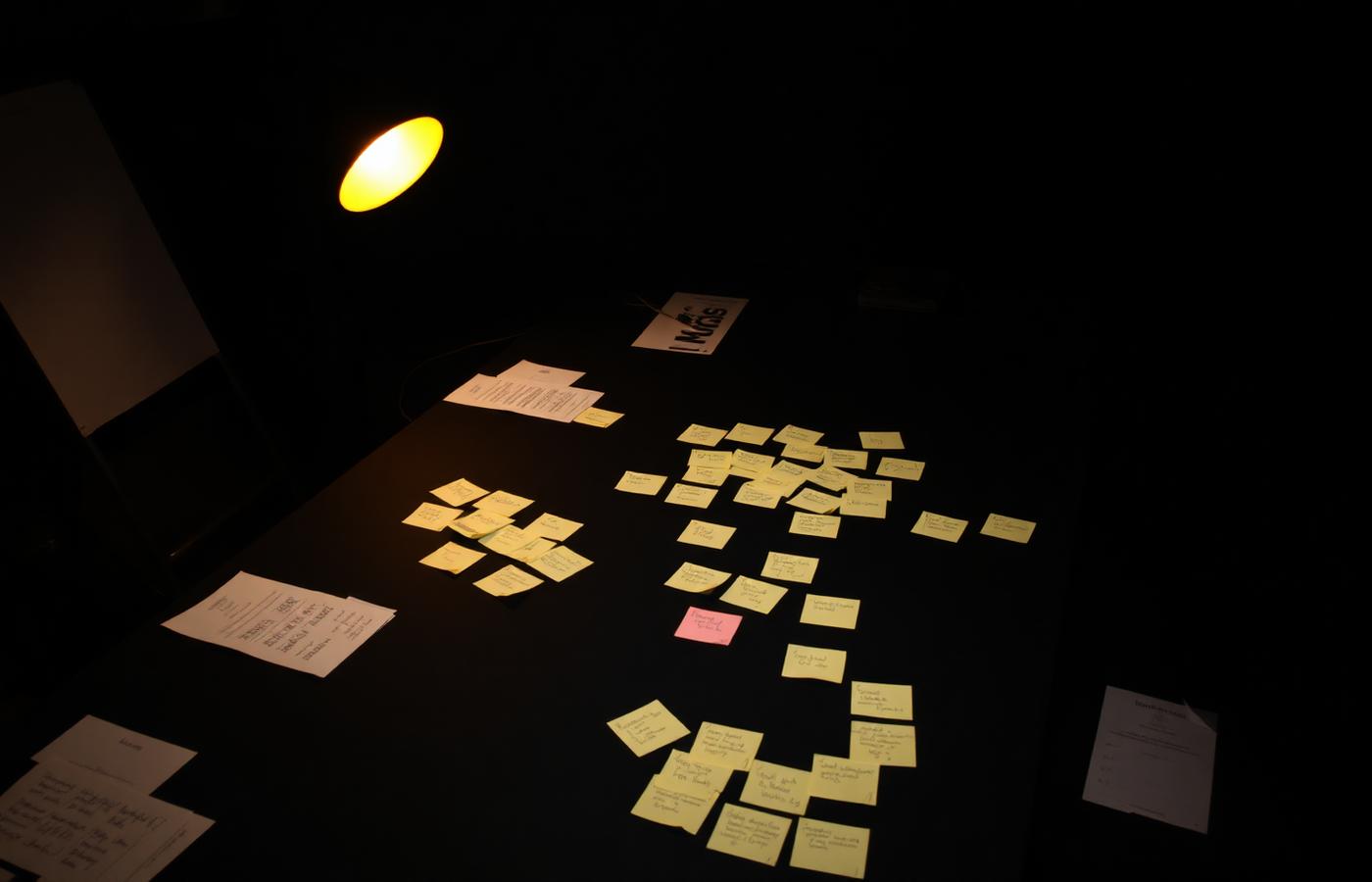
I ran semi-structured interviews with international students from several countries, contextual walkthroughs following students on their real first-day routes, and a short diary study across the opening weeks of term. I also audited public orientation touchpoints to map what institutions think they are communicating.
Affinity mapping surfaced three insight clusters that reframed the brief from 'build a better campus map' to 'design an arrival sequence'.
Goal
Reduce the cognitive cost of the first two weeks so students can spend energy on belonging, not logistics.
Insight 01
Students trusted peers over institutions. Any official tool needed a visible human voice to be believed.
Insight 02
Anxiety spiked at transitions — leaving a building, changing modes of transport, entering an office.
Insight 03
Progress was invisible. Students could not tell whether they were on track or falling behind.
03
Design Process
I started with the information architecture rather than screens. The arrival journey was modelled as a timeline of four phases — Before You Land, First 48 Hours, First Week, First Month — with every task attached to a phase instead of a department. That single restructure removed the institutional org chart from the user experience.
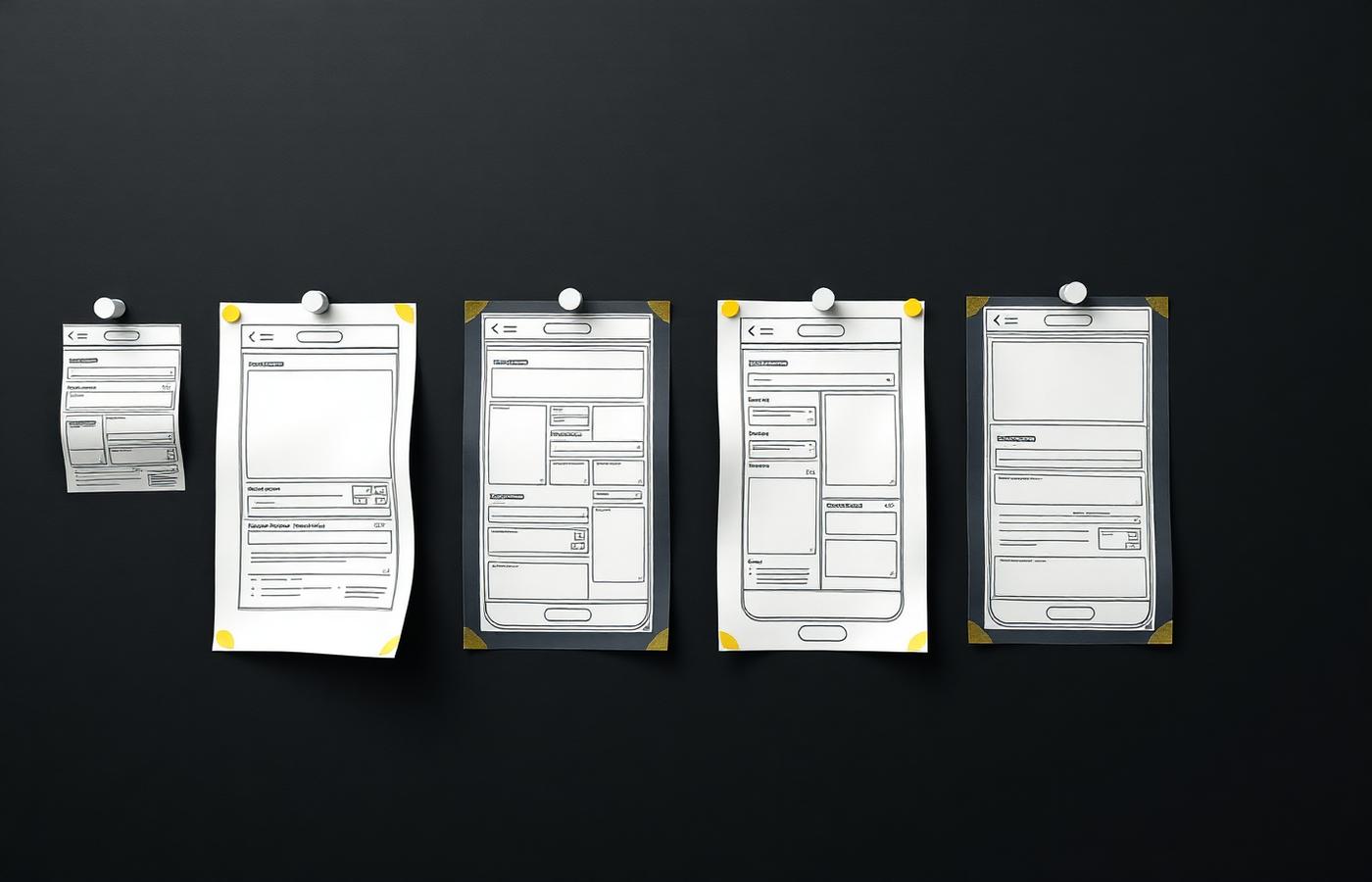
From there I sketched fast and low: over ninety paper frames, narrowed to three competing navigation models. Tab-first, map-first, and timeline-first prototypes went into a comparative usability round. Timeline-first won decisively on confidence, but participants still wanted the map one tap away, so the final model nests a live map inside each timeline step.
Three iteration cycles followed. The biggest design decision was to make progress ambient rather than gamified: a subtle completion arc instead of badges, because students found points systems patronising in an already stressful moment.
Iteration 01
Tab navigation tested well for browsing but failed for sequencing — users could not tell what to do next.
Iteration 02
Timeline model introduced. Task completion rose, but the map felt buried two levels deep.
Iteration 03
Map surfaced inline per step; step cards reduced to one primary action each.
04
Development
I built the high-fidelity prototype as a component-driven Figma system with variables for theme, spacing, and state, then handed off to a two-developer build team while staying embedded as design lead. The pilot app was assembled in React Native with Mapbox for routing and a headless CMS so the student services team could edit steps without a release.
My workflow was two-week cycles: research readout on Monday, design studio midweek, prototype in Maze on Friday, build-ready spec the following sprint. Design tokens were exported directly from Figma variables so the interface stayed in sync as the system grew.
Design
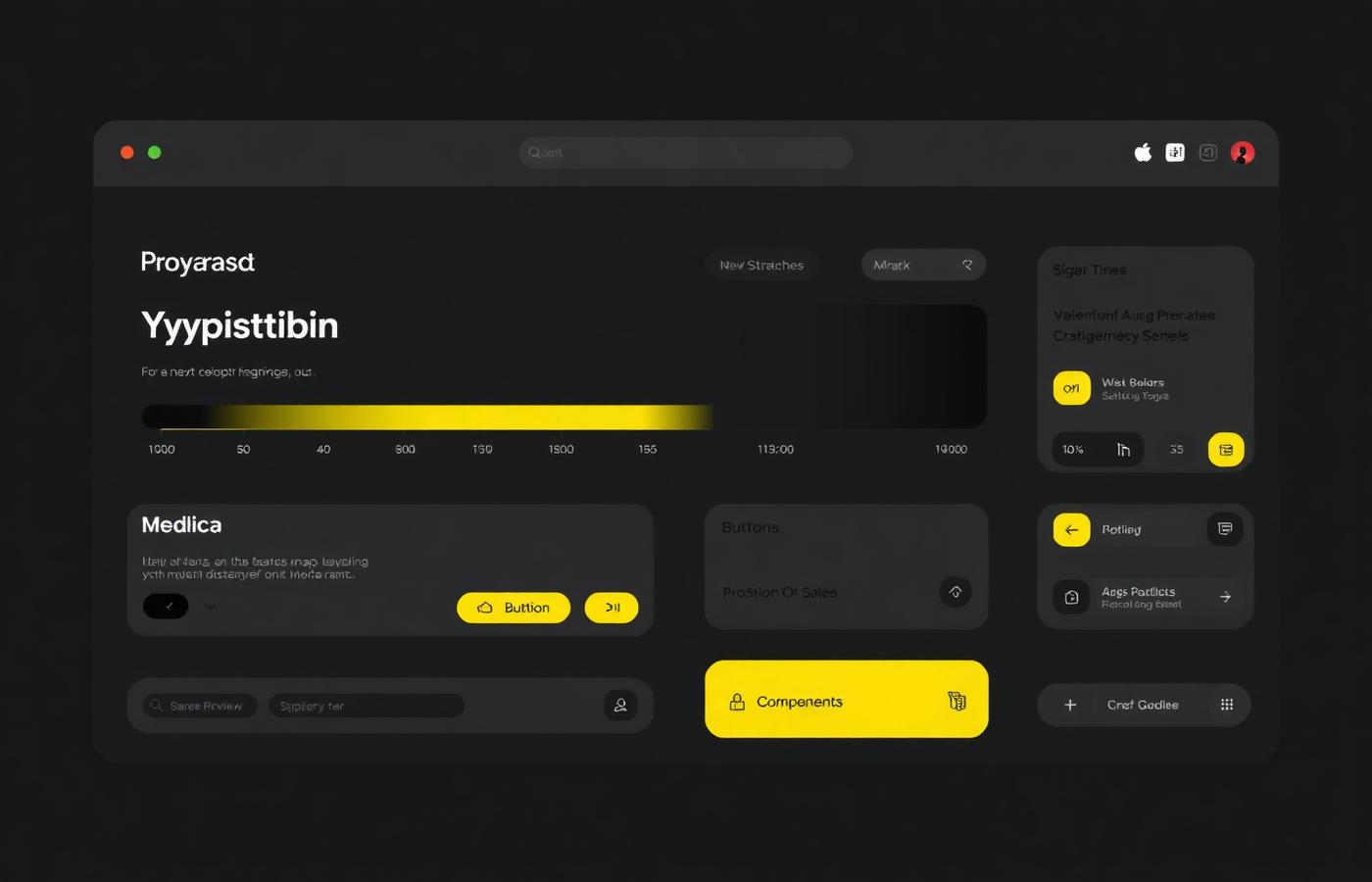
Figma variables, auto-layout components, 46-component library.
Build
React Native, Mapbox GL, Sanity CMS, Expo for pilot distribution.
Validate
Maze unmoderated tests, moderated sessions, two-week diary study.
05
Final Solution
Ọna opens on a single question — what do I need to do today — and answers it with one card. Each card holds the task, the place, the time cost, and a route that unfolds inline. The interface holds back everything not needed in that moment, which is the entire design thesis.
A quiet completion arc tracks the arrival journey across four phases. Peer voice notes from returning international students sit beside official instructions, giving the institutional content the human credibility research said it needed.
06
Reflection
The lesson I keep returning to is that structure is design. The most valuable output of this project was not a screen, it was the decision to organise arrival by time rather than by department — a communications judgement as much as a design one.
If I ran it again I would recruit for emotional state, not just demographics; the students under the most stress were the hardest to reach and had the most to teach me. Next, I want to test a lightweight offline mode for students without data on arrival day, and explore how the timeline model could extend to graduate researchers and newcomer families.
Process
Process documentation
The artefacts behind the final screens — sketches, architecture, wireframes, and the iterations that were rejected along the way, with the reasoning attached to each.
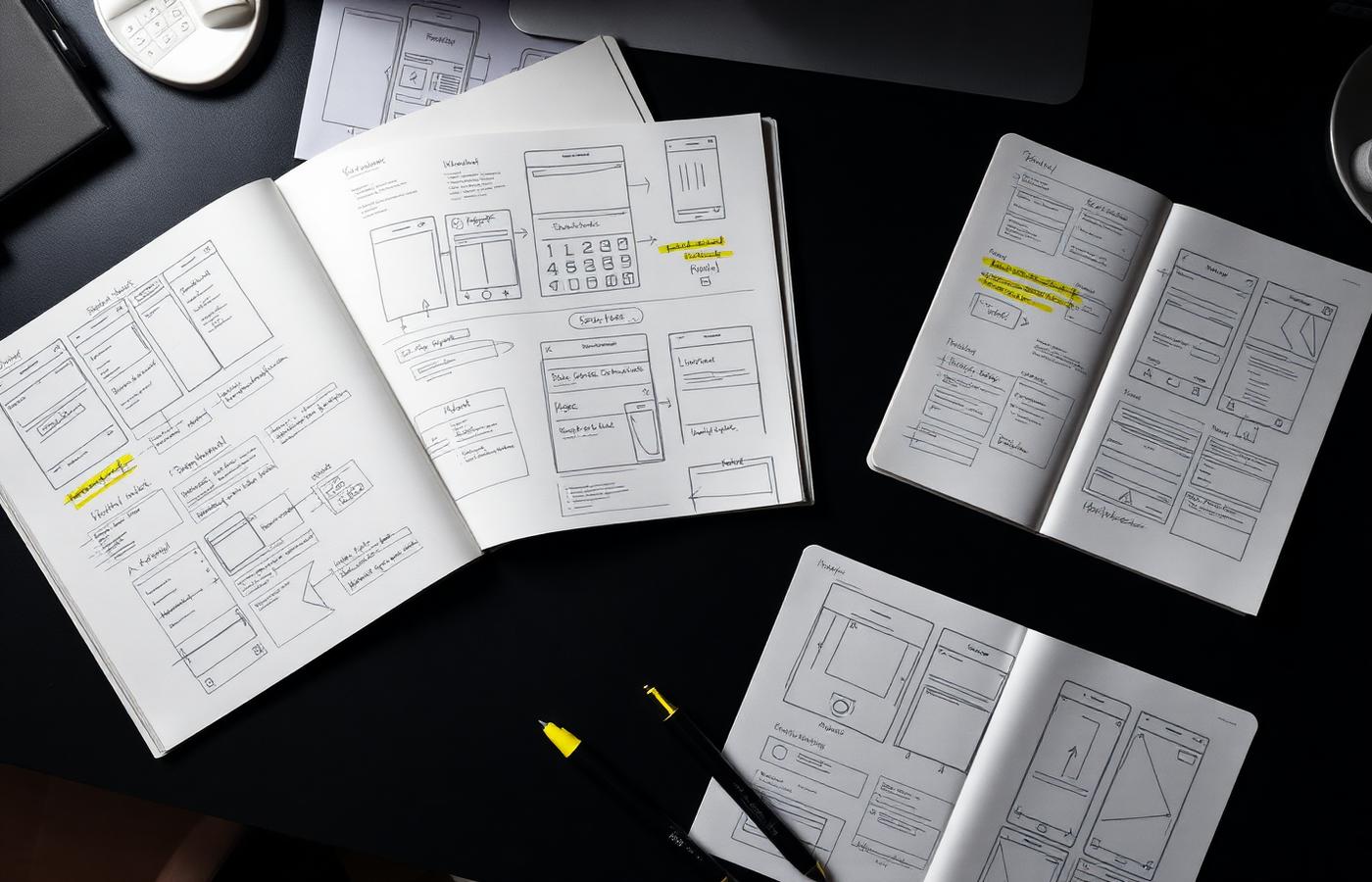
Stage 01 · Sketching
Ninety paper frames before a single pixel
I sketched every arrival moment by hand first — cheap enough to throw away. Highlighter marks show where a frame collapsed under its own information, which is how the one-task-per-card rule emerged.
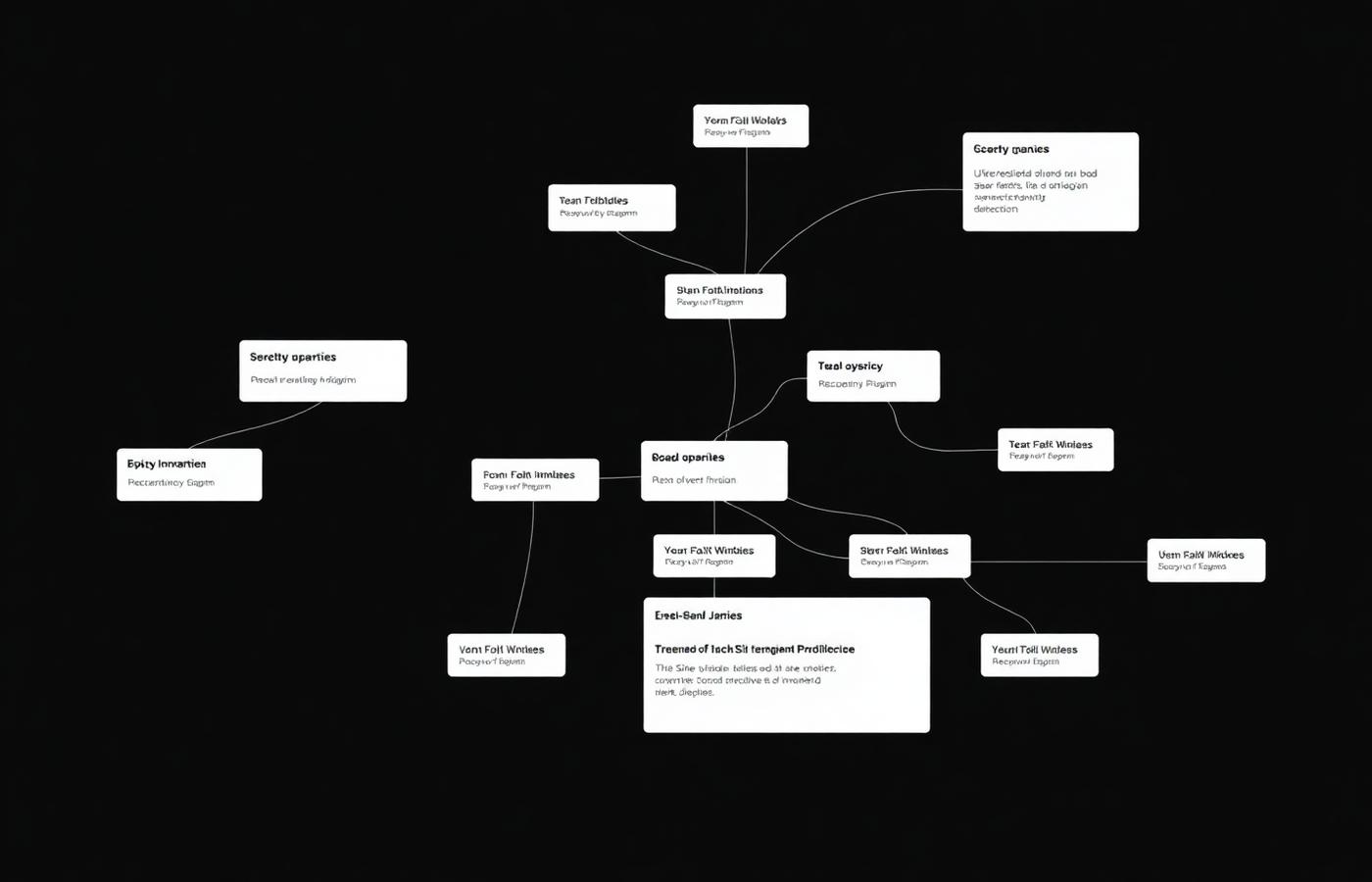
Stage 02 · Information architecture
Restructuring by time instead of department
The sitemap was rebuilt so every task hangs off one of four arrival phases. This diagram is the actual decision record: the org-chart branches on the left were deliberately dissolved.
Stage 03 · Wireframing
Lo-fi frames, annotated after each test
Mid-fidelity frames were kept intentionally grey so feedback stayed on structure. Annotations record what failed, not what shipped — buried map, competing calls to action, unclear next step.
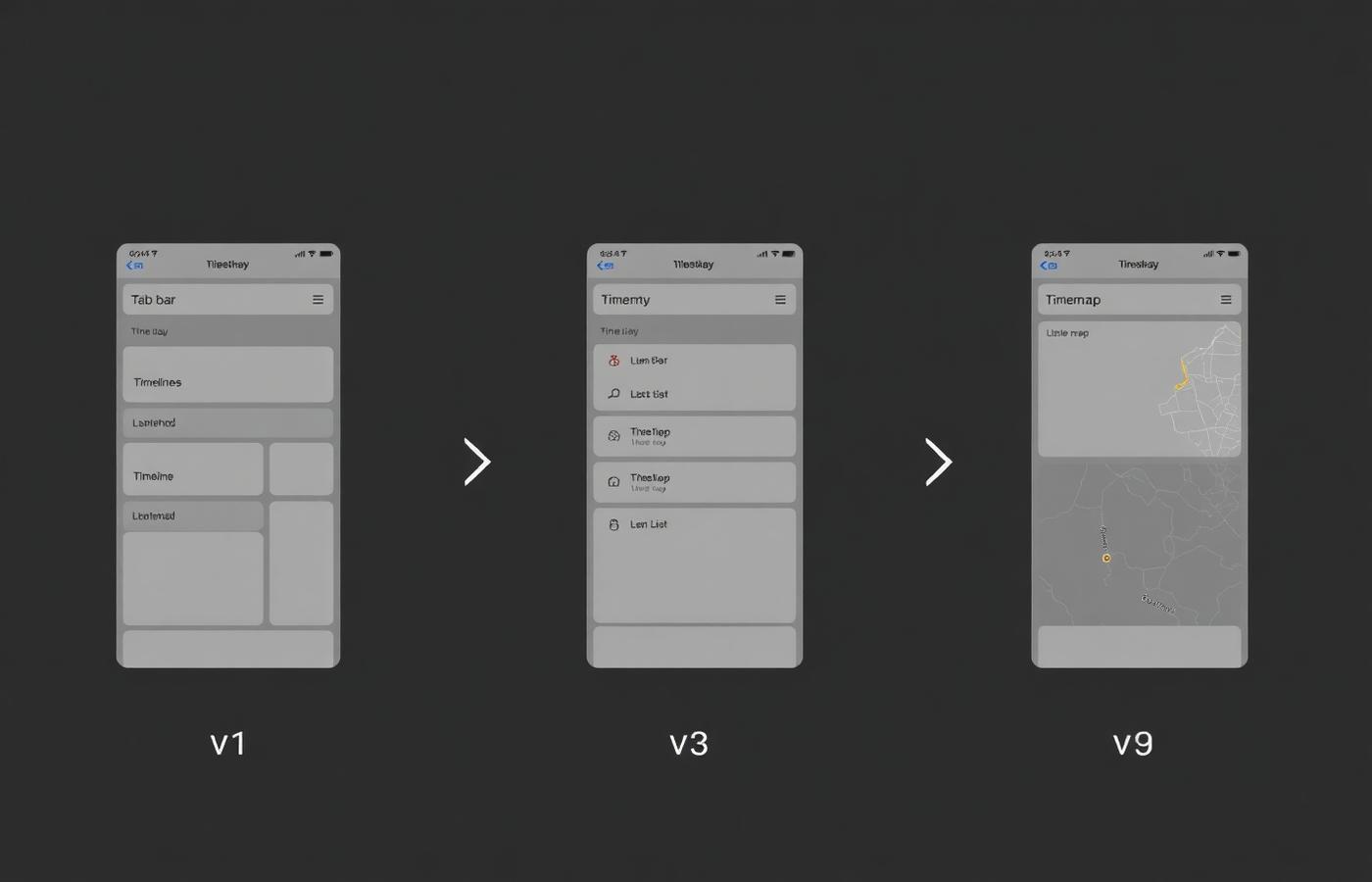
Stage 04 · Iteration
v1 tabs → v3 timeline → v9 timeline with inline map
Three navigation models were prototyped side by side. Tabs supported browsing but not sequencing; the timeline fixed sequence but buried the map; the final model nests a live map inside each step so orientation and instruction share one screen.
Stage 05 · System
From decisions to a documented system
Each resolved decision became a token or component with defined states, so the rules discovered in testing were enforced by the system rather than remembered by a designer.
07
Challenges I overcame
Reaching the students who needed it most
The most stressed students were the least likely to answer a research invitation. I switched recruitment to in-person intercepts at the airport shuttle and the enrolment queue, which changed both the sample and the findings.
Stakeholders wanted their own tab
Six departments each expected top-level placement. I ran a card-sorting session with them using real student quotes, which shifted the conversation from ownership to sequence.
Content that would go stale in a term
A static build would have been outdated by January. I specified a CMS structure and wrote an editorial guide so non-technical staff could update steps without a release.
08
Intended impact
Ọna is designed to shorten the arrival journey by cutting the number of places a student has to look and the number of decisions they have to make in any single moment. Progressive disclosure means one task, one route, one action per screen — the structural change that should make the first week feel navigable rather than overwhelming.
The four-phase model is deliberately platform-agnostic: the same sequence is intended to carry into printed orientation material and welcome email flows, so a student meets one consistent order wherever they encounter the content.
| Measure | Today | Designed for |
|---|---|---|
| Systems a student has to visit | 6 | 1 |
| Top-level structure | Department tabs | Four-phase timeline |
| Primary actions per screen | Many, unranked | One |
| Progress visibility | None | Ambient completion arc |
Gallery
Explore the work
Open the artefacts directly — prototype, live site, documents, video, and before/after comparisons behind Ọna. Each opens in an in-page viewer.